Mixing and mastering assistant for Ableton Live
Finish your mixes.
Krudamix measures your Ableton session in real time and guides you with an engineer's judgement until the track actually sounds finished. Inside your own project, track by track, without exporting anything.
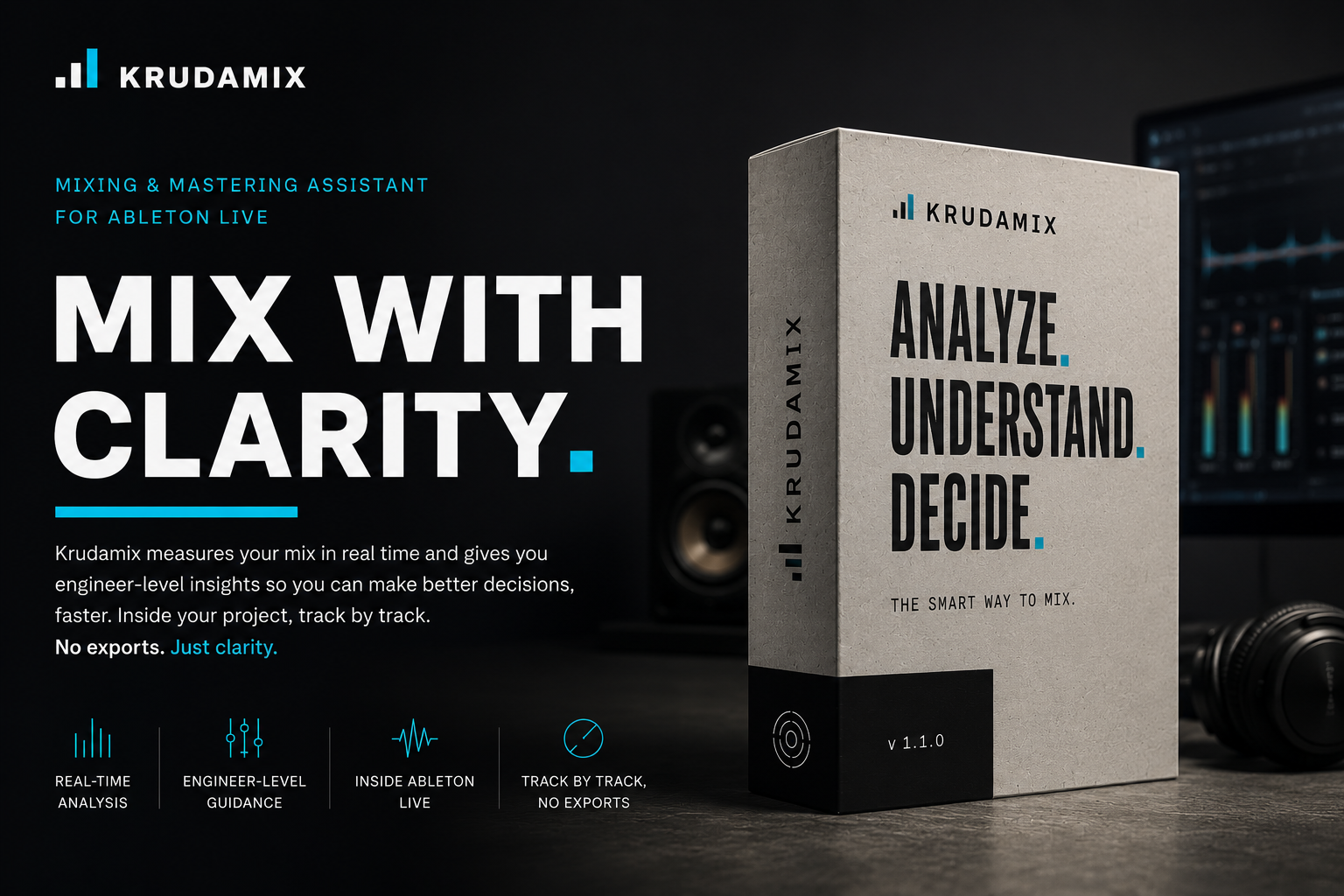
Done isn't finished.
Two minutes on a real project, from the first reading to the master.
How it works
-
01
Measure
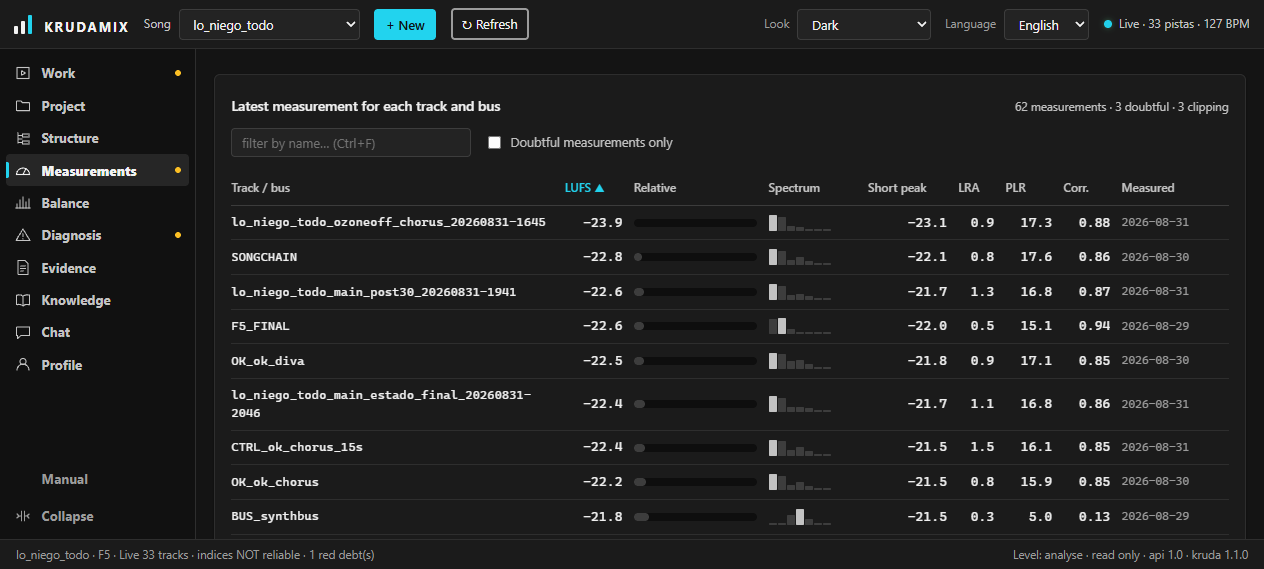
Real telemetry from every track and every bus: LUFS, peaks and spectrum. Krudamix doesn't guess what's in your project — it reads it.
-
02
Decide
A professional, phase-based method, with targets calculated from your own reference. Every move has a reason and a number behind it.
-
03
Execute
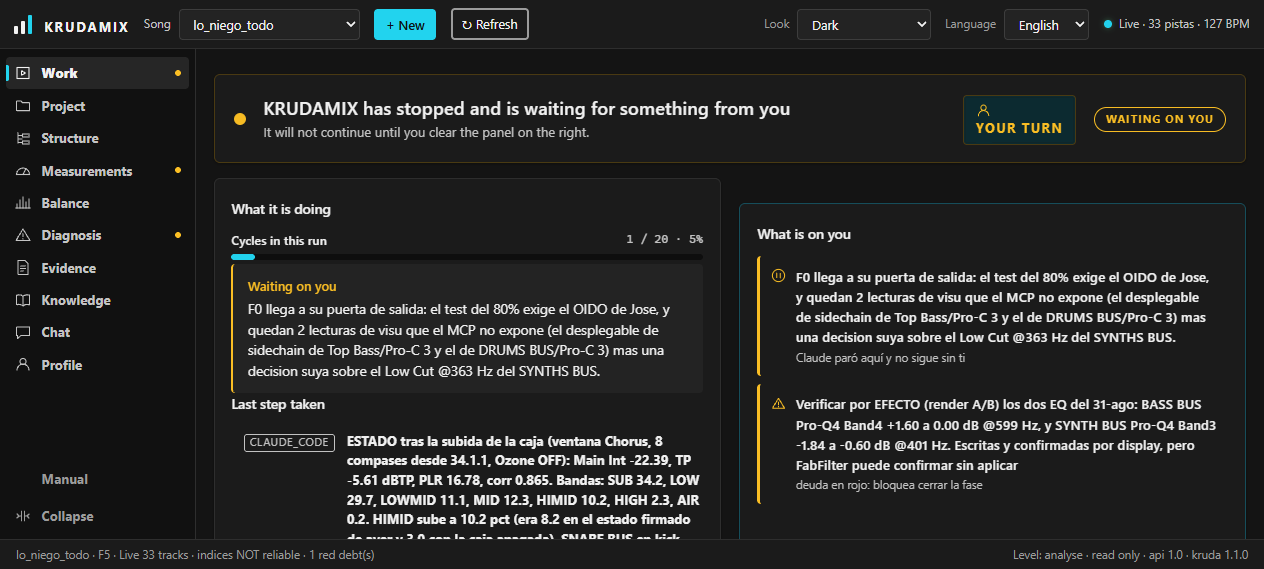
It applies the changes in your session and measures again to check them. Your ears always have the final veto.
The whole method, published and open
Krudamix doesn't make the phases up as it goes: it follows a mixing and mastering method written out step by step, with the reasoning and the numbers behind every decision. It's published in full — you can read all of it before leaving your email and judge for yourself whether it convinces you.
What you actually see
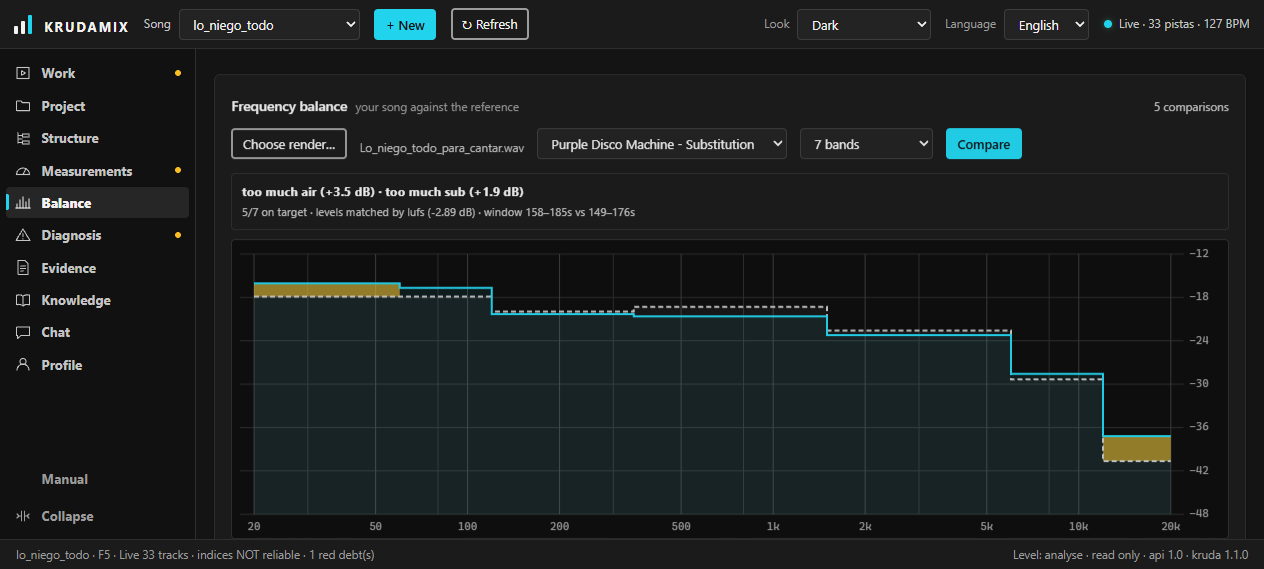
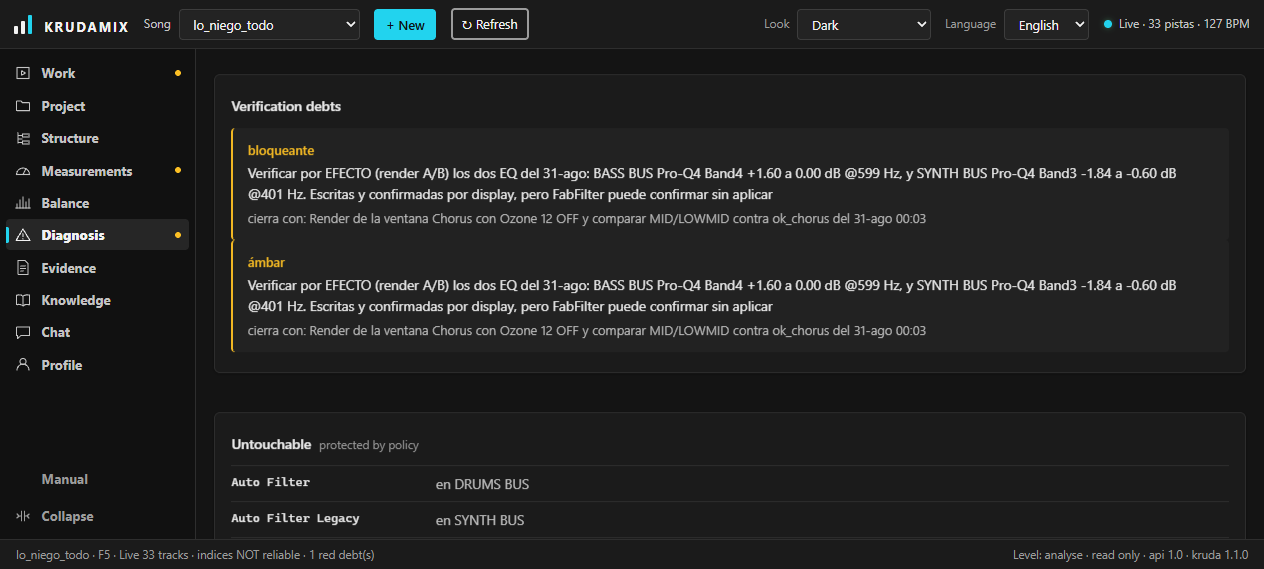
Screenshots of the application running on a real 45-track project. Nothing mocked up.
Why it's different
-
Not A magic button that “masters” a file and hands it back.
Krudamix Works inside your Ableton project, track by track and bus by bus.
-
Not Generic advice inferred from an exported MP3.
Krudamix Measures for real: actual levels, peaks and spectral balance from your session.
-
Not The same plugin chain for everyone.
Krudamix Moves through ordered phases, the way a mix engineer works.
-
Not An AI deciding for you how your track should sound.
Krudamix You approve every judgement call. The veto is always yours.
-
Not Uploading your music to a server for someone to analyse.
Krudamix The analysis is local. Your audio never leaves your computer.
What it measures, exactly
Not “analyses your mix”. This is what it reads from every track and every bus in your session.
- Integrated and short-term LUFS
- The real loudness of each element and of the master, in the same unit the streaming platforms use.
- Short-term peak and clipping
- Where you're hitting the ceiling and how many readings already come in clipped, before a limiter has to tell you.
- LRA — loudness range
- How much life the track has left. It's what separates a mix that breathes from a brick.
- PLR — peak to loudness ratio
- The headroom you actually have for the master, as a single number, without having to work it out.
- Phase correlation
- What will collapse when it folds down to mono, track by track, and not once it's too late.
- Spectral balance against your reference
- Your curve over the track you want to sound like, loudness-matched and split into bands: where you have too much and where you're short, with the exact decibels.
Questions you're probably asking
Does Krudamix upload my music to the cloud?
No. The analysis happens entirely on your computer: your audio and your projects never leave your machine. The only thing that travels over the network is the licence check.
Does it work with Logic, FL Studio or Pro Tools?
Not yet. Krudamix works inside Ableton Live 12, reading the session directly. It's not a generic plugin that analyses an exported file — and that integration is exactly what makes it useful.
Do I need to know mastering to use it?
No, but it doesn't master for you either. Every move comes with the number that justifies it and an explanation of why. You learn by using it, and your ears approve or reject every judgement call.
What operating system do I need?
Windows 10 or 11, with Ableton Live 12. A macOS version isn't available yet.
How long does the beta last and what happens when it ends?
Three months, extended to six if you keep testing and telling me what you find. I email you a week before it runs out. When it expires the program stops launching, and everyone who took part in the beta gets different terms once there's a paid version.
Latest
This is not finished software sitting still. It moves every week.
-
KRUDAMIX Enters Private Beta: A New Way to Mix Inside Ableton Live
KRUDAMIX is taking the next step and opening its first private Beta. The mixing and mastering assistant analyzes your session in real time and guides you track by track with engineering-focused insights, helping you understand what is happening and make better decisions.
Closed beta
Limited places in the beta.
Leave your email.
We go in batches so every producer gets looked after properly. If you are in, you get an email with your access.
3 months of free access, extendable to 6. In return I am asking you to use it on real tracks and tell me what breaks and what you are missing.
Only used to tell you when the beta opens. No spam, and you can leave whenever you like. How we handle your data (in Spanish for now).